☀️
Message on WhatsApp

Turn Your
Obsidian Obsidian
Into

Enter

What is Claude CodeClaude?

Claude Code is an AI agent that reads and writes files on your computer, executes code, and connects to external APIs. Unlike ChatGPT, it works with YOUR files — your Obsidian vault, your documents, your data.

When you combine Claude Code with Obsidian, something powerful happens: your notes stop being passive. They become fuel for an AI that actually knows you — your goals, your context, your history.

What you can build
Connecting…
5 weeks of hands-on practice building your Personal Assistant. Connect Claude Code to your Obsidian vault Build reusable Skills — instructions that turn notes into actions Create a Calendar Skill — "What did I do today?" with real data Build Meeting Prep — AI that knows your relationships and history Set up Morning Reviews — structured reflection that saves to your vault Goal tracking with accountability — AI asks hard questions Context that compounds instead of disappearing Your notes stop being passive. They start DOING things.

Who is this for

Knowledge workers who use Obsidian and want to do more with AI than chat. People frustrated by "every conversation starts from zero."

You don't need to be a programmer. If you can use Obsidian and Excel, you can build this.

  • Obsidian power users. You have hundreds of notes but feel like you're not getting the full value. You want your notes to DO things, not just sit there.
  • ChatGPT users hitting limits. You're tired of re-explaining context. ChatGPT memory is cool but disconnected from your actual files and workflows.
  • Knowledge workers. Meetings, reports, presentations all day. You want AI that actually knows your context — your goals, your people, your history.
  • System builders. You love building personal productivity systems. Now you want to add AI that works WITH your system, not around it.
  • People ready to act. You're done with productivity theory. You want to build something real that you'll actually use tomorrow.

This lab is for people who value a practical, evidence-based approach. We follow best practices from Anthropic's documentation, research on working with LLMs and agents, and techniques that have proven effective in real use. No hype — just what actually works.

Your project

You'll build a working Personal Assistant for YOUR life. Not abstract demos — real Skills you'll use tomorrow. Your calendar, your goals, your meetings, your vault.

By the end, you'll have: a CLAUDE.md that teaches AI your preferences, reusable Skills that connect notes to actions, and workflows you can run with one command.

How it works

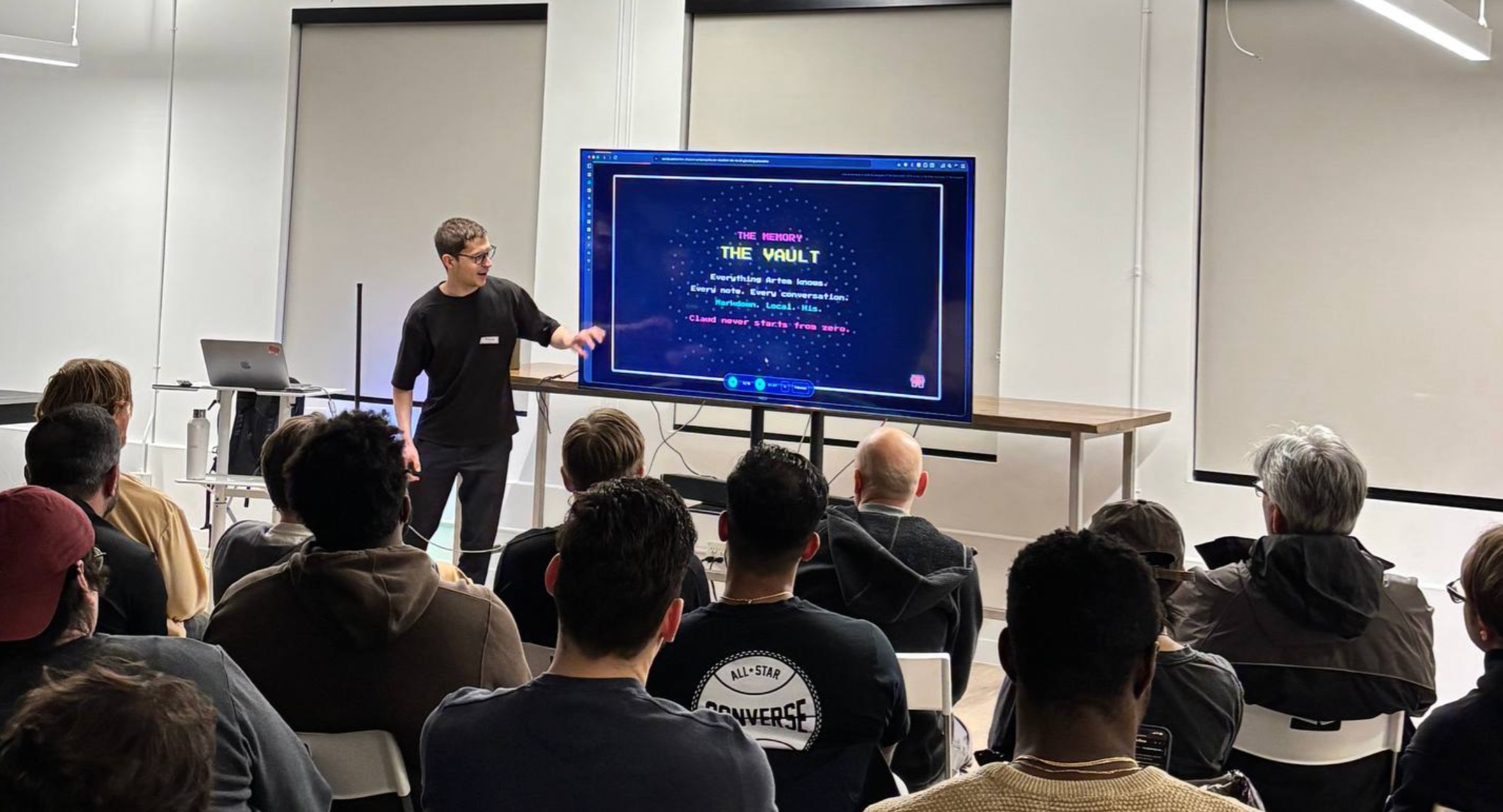
Live sessions twice a week (Tuesdays & Saturdays). Presentations + live demos where you follow along building your own system. Everything is hands-on — no lectures without action.

Between sessions: Pre-recorded technical demos so you can watch at your pace. Async support in chat. Build → use → get feedback → iterate. The goal is a system you actually use, not homework you forget.

Artem Zhutov

Creator of Personal OS workflows combining Obsidian + Claude Code. I use this system daily.

I built this system for myself first. Morning reviews, goal tracking, meeting prep, content creation — everything in my Obsidian vault connects to real actions through Claude Code skills.

I don't just teach this — I live it. Every day I run commands that read my goals, check my calendar, and help me stay on track. The system evolved through hundreds of iterations, and now I want to help you build yours.

PhD in Physics (defended Dec 2025). 1000+ YouTube subscribers learning alongside me. Building in public, sharing what works and what doesn't.

Artem Zhutov

Links: YouTube, Substack, X, GitHub

Location: Waterloo, Canada 🇨🇦

What you'll learn

Technical skills:

  • Setting up Claude Code with your Obsidian vault
  • Writing CLAUDE.md — your AI's memory file
  • Building Skills that query your notes and calendar
  • Creating workflows that run multiple commands
  • Personal Context Engineering — the meta-skill that transfers across tools

Mindset shifts:

  • From passive notes to active assistant
  • From re-explaining to compounding context
  • From one-off chats to reusable workflows

The key insight

Tools change every 6 months. Your context stays. The skill isn't "using Claude Code" — it's Personal Context Engineering: knowing how to give AI access to YOUR world so it can actually help.

Notes + Skills = Personal Assistant.

That's the formula. Skills are instructions that connect your notes to actions. Build once, use forever.

/tools what we use

Obsidian

Your vault is the foundation. Local-first, markdown-based, extensible. The perfect home for your context.

Claude Code

The AI agent that reads and writes files. Works in terminal, connects to your vault, executes code.

CLAUDE.md

Your AI's memory file. Teach it your preferences, your context, your workflows. Persistent across sessions.

Claude Skills

Reusable instructions that give your Obsidian vault superpowers. "Prepare meeting" becomes one command.

Cursor

AI-native code editor. We'll cover how it complements Claude Code for different workflows.

Terminal

Claude Code runs in terminal. We'll cover the basics — it's simpler than you think.

…and more

Tools evolve constantly. The patterns you learn transfer to whatever comes next.

Tools change. Your context stays.

We're not just learning tools — they'll be obsolete in months. The real skill is Personal Context Engineering: knowing how to structure your knowledge so AI can actually use it.

Your goals, your relationships, your history — that context is yours forever. Learn to give AI access to it, and you'll be ahead no matter what tool is popular next year.

/schedule

when we meet

Session structure

Starting January 27, 2025
online
Zoom meetings, async support in Discord

5 weeks — enough time to build your Personal Assistant from scratch, develop hands-on practice with agents, understand what they can (and can't) do, and automate your daily workflows.

Each week: case studies, hands-on practice, Q&A, and building your own system.

Tuesdays 12:00 EST / 18:00 CET. Main session: theory + live demos. Learn concepts and see them applied.

Saturdays 10:00 EST / 16:00 CET. 2-hour live coding sessions. Build together, solve real problems.

Week Tuesday (12:00 EST) Saturday (10:00 EST)
Week 1 Jan 27 — Setup & First Skill Jan 31 — Hands-on: Build Together
Week 2 Feb 3 — CLAUDE.md & Context Feb 7 — Hands-on: Your Workflow
Week 3 Feb 10 — Calendar & Meeting Skills Feb 14 — Hands-on: Integrations
Week 4 Feb 17 — Morning Routine & Reviews Feb 21 — Hands-on: Personal OS
Week 5 Feb 24 — Advanced: Custom Skills Feb 28 — Final: Your Complete System

/pricing

invest in your system

Standard

Self-paced with community support

$390
  • Access to all live sessions (recordings available)
  • Pre-recorded technical demos
  • All course materials: prompts, templates, examples
  • Discord community access
  • Async support in chat
Pay with Card

Team

For groups up to 5 people

$2,490
  • Everything in Individual for your whole team
  • 4 x 60-minute team sessions
  • Private team Discord channel
  • Help setting up shared workflows
  • Best value for teams building together
Pay with Card

Payment via Stripe (credit/debit cards). Full refund within first week, no questions asked. Questions? Message me on WhatsApp.

Frequently Asked Questions

Do I need programming skills?

+

No. If you can use Obsidian and Excel, you can build this. We'll cover terminal basics and most tasks are about writing clear instructions (Skills), not traditional code. Claude Code handles the technical parts.

What subscriptions do I need?

+

You'll need Obsidian (free) and Claude Pro subscription ($20/month). Claude Code is included with Claude Pro. No other paid tools required.

How do sessions work?

+

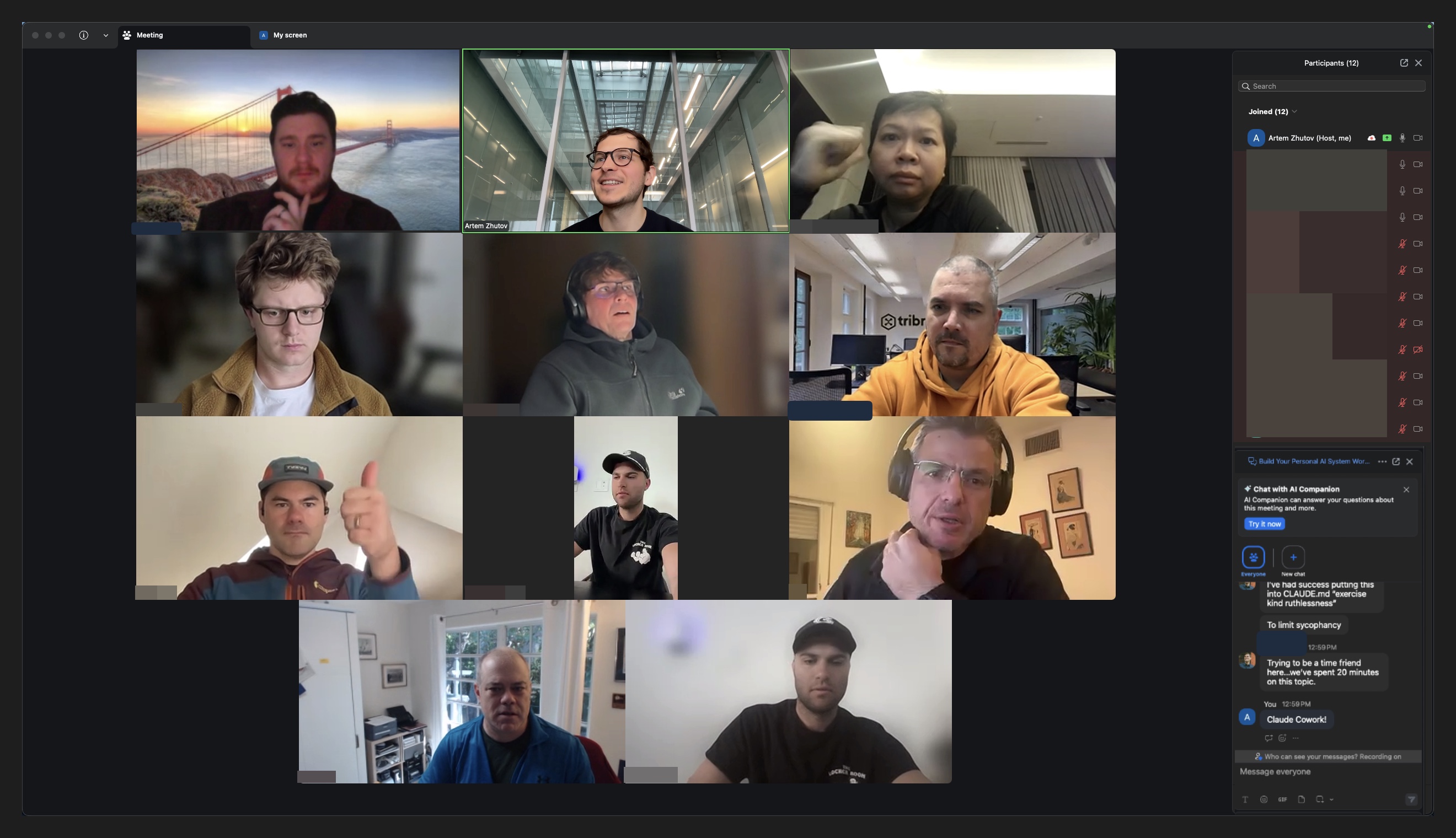
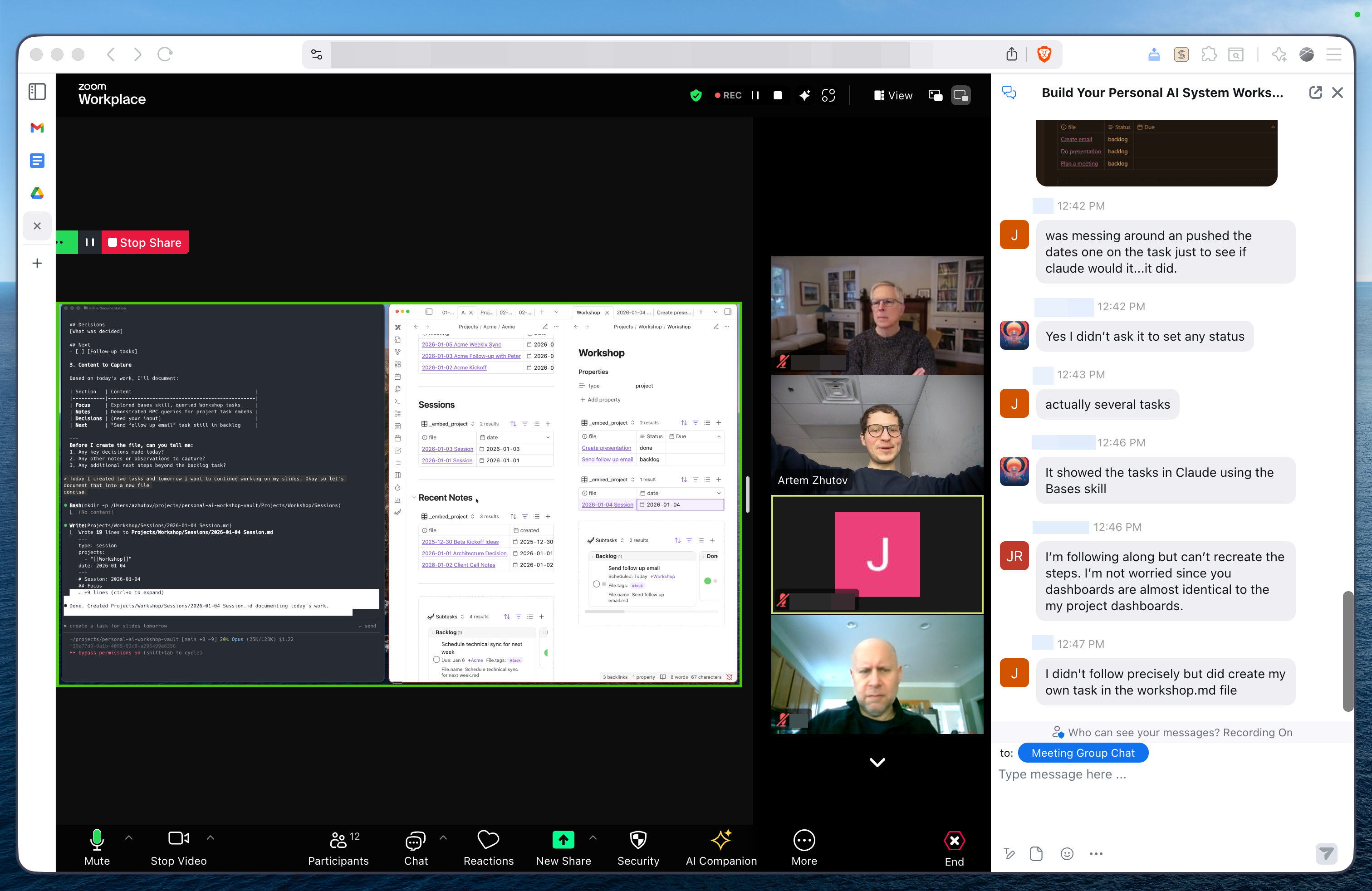
Live online sessions with screen sharing — Tuesdays and Saturdays. Each session includes demonstration + hands-on practice time. All sessions are recorded for those who can't attend live.

How much time commitment?

+

Plan for 3-5 hours per week: ~2 hours for live sessions + 1-3 hours for practice. You set your own pace for hands-on work.

Can I get individual guidance?

+

Yes — the Individual tier includes 1-on-1 sessions to work on your specific projects and workflows. Standard tier has community Q&A support.

What exactly will I build?

+

Working Skills for your life: Calendar skill ("What did I do today?"), Meeting prep ("Prepare for call with Mike"), Morning check-in, Goal review, and your own custom workflows. Not tutorials — actual tools you'll use tomorrow.

Do I keep access to materials?

+

Yes, lifetime access to all materials — session recordings, skill templates, and the community Discord. Everything is yours to keep.

What's the refund policy?

+

Full refund within the first week, no questions asked. If the lab isn't right for you, just let me know.

Can my company pay?

+

Yes, I can provide an invoice for company payment. Message me on WhatsApp with your company details.